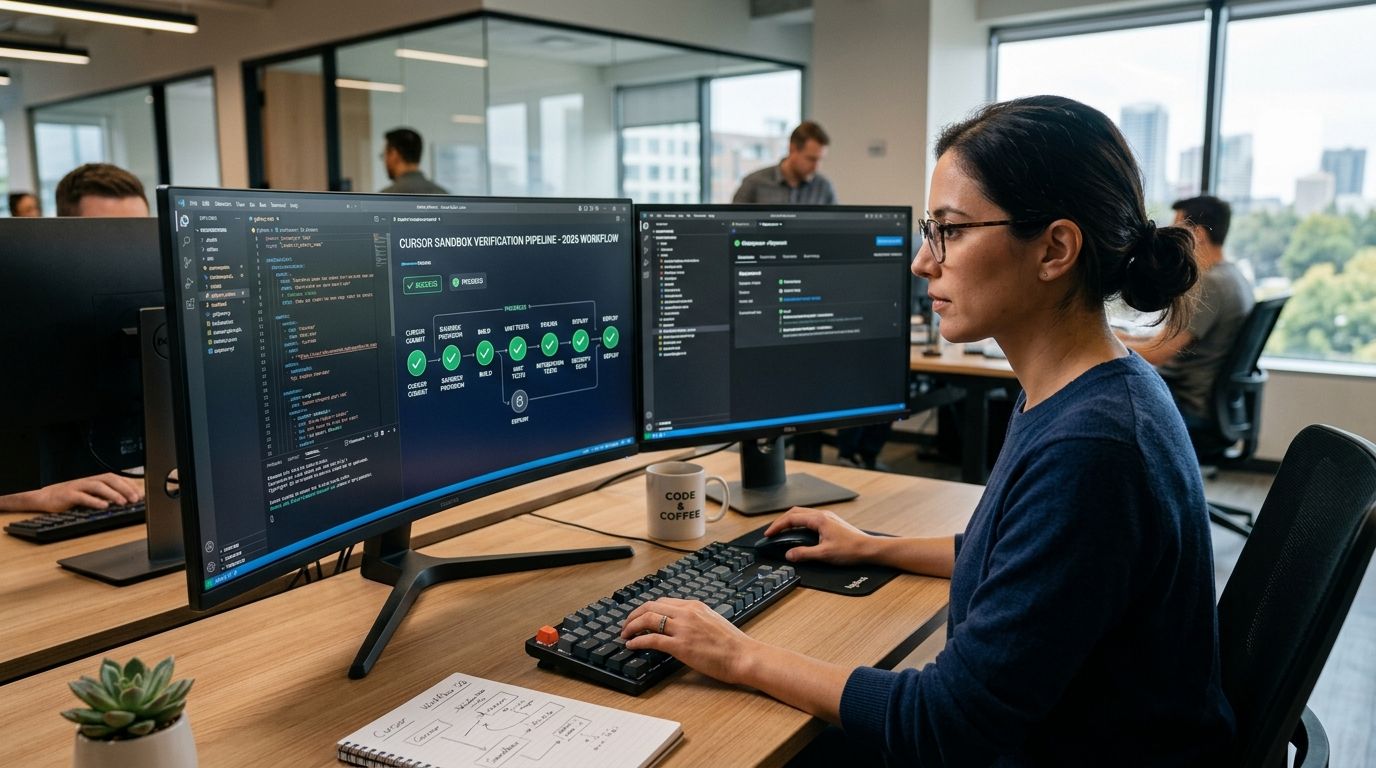
Cursor writes the patch. Nobody tells you whether the test failure that follows is a real bug or a broken runner — so you either re-run everything by hand or ship a fix on faith. Instead of manually re-running suites and squinting at logs every time Cursor's Agent proposes a change, wire Cursor's patch output into a sandbox verification pipeline so every diff gets applied, executed, and diagnosed before a human ever opens the pull request.
- A cursor sandbox verification pipeline applies Cursor's patch in an isolated sandbox before merge, not after.
- AdaptOrch runs the suite pre-patch and post-patch, then produces a receipt separating real code failures from environment failures.
- Set this up once per repo in 2026 and every Cursor Agent run gets checked automatically, no manual re-run required.
- The pipeline does not claim the patch is correct — it claims the failure it reports is real, or it isn't.
Why this matters
Cursor's Agent mode is fast at producing patches and bad at knowing when a test failure is its fault. A flaky runner, a stale Docker layer, or a missing environment variable produces the same red X in your terminal as an actual logic bug. Teams that skip verification either merge broken code because a runner hiccup got waved off as "flaky," or they burn an engineer's afternoon re-running a suite that was always going to pass.
A sandbox verification pipeline fixes the ambiguity at the source. It runs the pre-patch state and the post-patch state in the same isolated environment, compares the two, and hands back a readable verdict instead of a raw exit code. That's the entire value in 2026: not a smarter test runner, just an honest one.
Before you start
- Repository access with CI permissions. You need the ability to add a workflow step or webhook — read-only access won't let you wire the handoff.
- A working baseline test suite. If your suite is already flaky without AI involved, verification will report that flakiness accurately — it won't fix it.
- The gotcha: Cursor's Agent sometimes stages partial diffs across multiple files before you hit Apply. If your pipeline triggers on file-save instead of on the finalized diff, you'll verify half a patch and get a false failure. Trigger on the commit or the Apply action, never on intermediate saves.
Set up the Cursor to sandbox trigger
- In Cursor, open the Agent panel and let it generate the patch as usual — review the diff view before accepting anything.
- Click Apply to write the patch to your working tree. Do not click Accept All on a multi-file change until the sandbox step below has run; accepting first defeats the point of pre-merge verification.
- Commit the applied patch to a branch, or a temp branch if you're testing before you're ready to push. This commit is what the sandbox will diff against.
- Push the branch. If your CI is webhook-driven, this push is the trigger that hands the diff to your sandbox verification tool instead of straight into your normal test job.
Expected result: your branch exists with the Cursor-generated commit, and a verification job has started against it — check your CI dashboard for a new pending run rather than the usual test job.
Configure the sandbox run
- Point the verification step at the same test command your CI already runs. Don't create a second, different command just for this — divergent commands are the number one cause of "passes locally, flagged in verification."
- Set the sandbox to run the suite twice: once against the commit before Cursor's patch, once against the commit after. This before/after pair is what lets AI code verification separate a code regression from an environment problem. If both runs fail the same way, it's the environment, not the patch.
- Enable the readable receipt output. This is the artifact a human reads instead of raw logs — it should list each failing test, whether it failed before the patch too, and a plain verdict.
- Save the configuration and re-run once against a known-good commit to confirm the pipeline itself isn't broken before you trust it against real Cursor output.
Expected result: a completed run produces a receipt file or dashboard entry with a verdict field, not just a pass/fail count.
Read the verification receipt
The receipt is the point of the whole pipeline. It should distinguish three states, not two: the patch broke something real, the patch is fine and the runner broke, or the patch is fine and everything passed. A binary green/red output collapses all three into noise.
If you're routing Cursor's output through team review rather than a solo pass, push the receipt into your pull request comments so reviewers see the verdict before they open the diff. That's a smaller lift than teaching every reviewer to read raw CI logs, and it cuts review time because reviewers stop re-litigating failures that were already ruled environmental.
“If the pipeline can't tell you why it failed, it isn't verification — it's just retrying until green.”
Variant: verify on every commit, not just on merge
Run the same sandbox step on every commit pushed to a Cursor-driven branch, not only at merge time. This catches a regression the moment the Agent introduces it, while the diff is still small enough to read in one sitting. The tradeoff is compute cost — running the suite twice per commit adds up fast on large repos, so reserve full per-commit verification for branches under active Agent iteration and fall back to merge-time-only for everything else.
Verify every Cursor patch before merge
See how the sandbox receipt separates real bugs from runner noise.
Troubleshooting
- Receipt shows a failure but the test passes when you run it manually. Your sandbox environment differs from your local one — check for a pinned dependency version mismatch between the sandbox image and your dev machine.
- Verification never triggers after Cursor's Apply. You're probably triggering on file-save instead of on commit. Confirm the webhook or CI step listens for a push event, not a filesystem event.
- Every run reports an environment failure even on genuinely broken patches. The before/after comparison may be running against a cached pre-patch result instead of a fresh one — force a clean checkout for the baseline run.
- Pipeline takes too long and engineers start skipping it. Cut the per-commit variant back to merge-time-only, or split the suite so only the tests touched by the diff run per-commit.
- Receipt is technically correct but nobody reads it. Move the receipt output into the pull request comment thread instead of leaving it buried in a CI log. Visibility, not accuracy, is usually the actual problem.
Customize your workflow
Once the Cursor-to-sandbox handoff is stable, extend it. Teams running this against a Claude Code or Codex agent instead of Cursor can reuse the same before/after sandbox pattern — the trigger point just moves to whatever tool stages the diff. If you're building this out for a platform team managing multiple repos and multiple agents at once in 2026, the setup differs enough from a solo workflow that it's worth reading the platform engineer verification guide before you standardize the config across teams.
Still deciding whether to verify before or after merge, or comparing this against a lighter pre-merge check? The tools to verify AI-generated code before merging breakdown walks the tradeoff directly. And if Cursor is your primary agent, the AI code review tools for Cursor users roundup covers the review layer that usually sits on top of this pipeline.
FAQ
What is a cursor sandbox verification pipeline?
It's a workflow that applies a patch generated by Cursor's Agent inside an isolated sandbox and runs the test suite before and after the patch to confirm whether a failure is a real code bug or an environment problem. In 2026 this typically triggers on commit push rather than on file save.
Does verification tell me if Cursor's code is correct?
No. It tells you whether the tests you already have pass, and whether a failure came from the patch or the runner. It does not claim the logic is right — only that the failure it reports is real.
How is this different from normal CI?
Normal CI runs the suite once and reports pass or fail. A sandbox verification pipeline runs the suite twice, before and after the patch, in the same isolated environment, so it can separate a regression from a flaky runner.
Do I need to change how I use Cursor's Agent mode?
No. You keep using Apply and Accept as normal. The pipeline hooks in at the commit or push stage, after the patch is staged but before it is merged.
What if my test suite is already flaky?
Verification reports that flakiness as an environment failure rather than blaming Cursor's patch. It will not fix an unstable baseline suite on its own.
Can this work with Claude Code or Codex instead of Cursor?
Yes. The before/after sandbox pattern is agent-agnostic. Only the trigger point, meaning where the diff gets staged, changes between tools.
Should I verify every commit or just at merge time?
Verify every commit while a branch is under active Agent iteration to catch regressions early, then fall back to merge-time-only on stable branches to control compute cost.
How long does the pipeline add to a review cycle?
It adds roughly the runtime of your existing suite twice, since the sandbox runs a pre-patch and a post-patch pass. Splitting the suite by changed files is the standard way to cut that back.
One last thing
The part teams skip is reading the environment-failure cases as data rather than noise. A runner that fails the same way on both the pre-patch and post-patch run in 2026 is telling you something about your CI infrastructure, not about Cursor's Agent. Track those separately and you'll find the actual unstable spots in your pipeline faster than any test-stability dashboard will surface them.