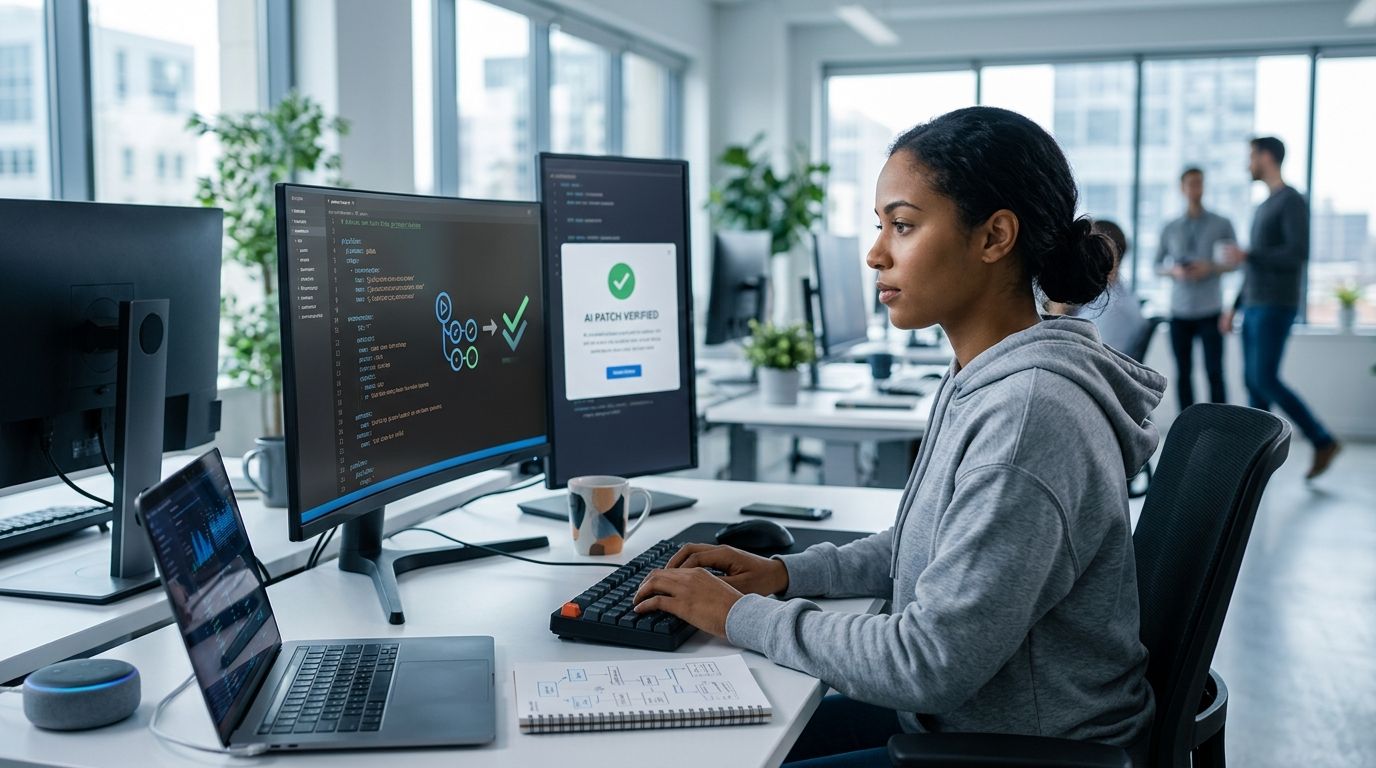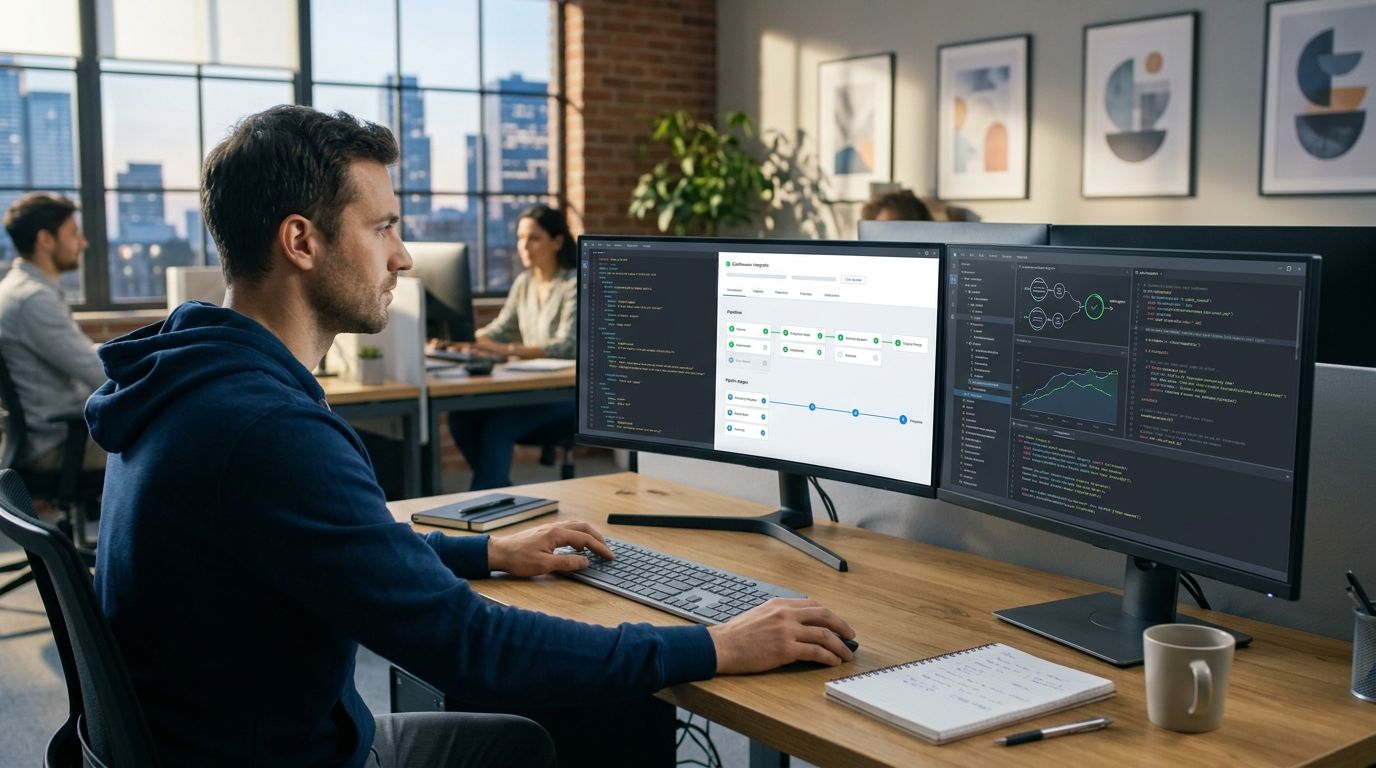
A GitLab pipeline that goes red on an AI-generated patch tells you nothing about why. Half the time it's a real regression; the other half it's a flaky runner, a stale cache, or a dependency that timed out. Wire a verification stage into GitLab CI and every merge request gets a receipt that separates the two instead of leaving you to re-run the pipeline and hope.
- GitLab CI AI code verification separates real regressions from runner noise before a merge request is approved in 2026.
- AdaptOrch runs the patch in an isolated sandbox as one CI job and returns a plain-language verdict, not a score.
- Add a single stage to .gitlab-ci.yml — existing test jobs and Runner setup stay untouched.
- Environment failures (network, dependency install, runner timeout) are flagged separately from actual code failures.
- Works the same way for patches from Cursor, Claude Code, and Codex pushed through merge request pipelines.
Why this matters
AI coding agents produce patches fast enough that manual triage of every red pipeline stops scaling around the third or fourth agent-generated MR of the day. A test suite that fails because a package registry timed out looks identical, in the GitLab pipeline view, to a test suite that fails because the agent broke a real contract. Both show a red X. Only one of them means the code is wrong.
That ambiguity is expensive in exactly the workflows AI agents are supposed to speed up. A reviewer who can't trust the pipeline opens the logs on every failure, which erases most of the time saved by having an agent write the patch. Running the patch through an isolated sandbox before it reaches a human reviewer, and getting a readable verdict back, removes that step. AdaptOrch runs the code before and after the patch in the sandbox and reports what actually changed, not just whether the exit code was zero.
This guide covers the 2026 setup: one new stage, one job, three settings you have to get right.
Before you start
- Maintainer or Owner role on the GitLab project — you need it to edit
.gitlab-ci.ymland add CI/CD variables under Settings > CI/CD > Variables. - An AdaptOrch API key and a GitLab Runner with a Docker executor (shared runners work; self-hosted is fine too) that can pull the sandbox image and reach your package registry.
- The gotcha that bites at step 4: a CI/CD variable marked Protect variable is only injected into pipelines running on protected branches. Merge request pipelines run on the source branch, which is usually unprotected — so the key is simply absent at job time and the job fails on auth, not on the code. Decide this before you write the job, not after the third red run.
Set up the verification stage
- Go to Settings > CI/CD > Variables and click Add variable.
- Set Key to
ADAPTORCH_API_KEY, paste the key into Value, toggle Mask variable on, and leave Protect variable off unless every branch you verify is protected. - Open
.gitlab-ci.ymland add a new entry to your existingstages:list —verify, placed aftertest. - Commit to your default branch.
Expected result: the CI/CD > Variables page lists ADAPTORCH_API_KEY as masked, and the next pipeline graph shows an empty verify stage with no jobs in it yet.
Configure the sandbox job
- Under
verify, add a job namedadaptorch-verify. - Set
image:to a Docker image carrying your project's runtime plus the AdaptOrch CLI. A slim base image with the CLI installed inbefore_scriptworks if you don't maintain a custom image. - In
script:, invoke the AdaptOrch CLI with$ADAPTORCH_API_KEYin the environment and pass$CI_MERGE_REQUEST_DIFF_BASE_SHAand$CI_COMMIT_SHAso the sandbox knows exactly which diff it is verifying. - Add
artifacts:with apaths:entry pointing at the receipt file so it downloads straight from the pipeline view. - Set
allow_failure: truefor the first week. Flip it tofalseonce you trust the verdicts.
Expected result: pushing a commit to a merge request triggers adaptorch-verify, the runner pulls the image, the patch executes in an isolated sandbox, and the Job artifacts panel shows a downloadable receipt when the job ends.
If you're still choosing an isolation approach, the rundown of sandbox tools for testing AI-generated code covers the tradeoffs between hosted and self-run sandboxes.
Wire it into merge request pipelines
- Add a
rules:block toadaptorch-verifyscoped toif: '$CI_PIPELINE_SOURCE == "merge_request_event"'so it fires on MR pipelines only, not on every push to a feature branch. - Add
needs: []if you want the sandbox job to start immediately instead of queuing behind the fullteststage. Sandbox runs are typically the long pole; starting them first shortens wall-clock time on the whole pipeline. - In Settings > Merge requests, enable Pipelines must succeed.
Expected result: opening or updating a merge request starts adaptorch-verify in parallel with your normal test jobs, and the Merge button stays disabled until the stage passes — provided you already set allow_failure: false.
One rule worth writing on the wall: a red pipeline is a question, not an answer. The receipt is what turns it into an answer.
Variant: verify on every push to main
Some teams want a second check after merge, especially when an agent auto-merges small patches through a bot account. Duplicate the job under a new name, swap the rules: condition to if: '$CI_COMMIT_BRANCH == "main"', and drop the merge_request_event scoping.
This produces a second receipt confirming the merged state behaves like the verified diff. It catches the narrow case where conflict resolution during merge introduces something the original patch never contained — rare, but invisible to pre-merge verification by definition.
Expected result: two receipts per change in 2026 — one on the MR, one on main — with matching verdicts when nothing was altered at merge time.
Reading the receipt
The output separates a failing assertion in the patched code from a job that died because a registry was unreachable or a container hit its memory ceiling. AdaptOrch reports the difference in words rather than a numeric score, and it does not claim the patch is correct — only what the evidence from the before-and-after runs shows.
That distinction is the whole point of the stage. A receipt saying "dependency install failed, no code signal" means re-run the job. A receipt naming a test that passed before the patch and fails after it means read the diff.
If agent-generated patches in your repo already fail for reasons unrelated to the code, the guide on how to automatically flag environment failures covers the same split outside the GitLab context.
Add a verification stage to GitLab CI
Run AI-generated patches in an isolated sandbox and get a readable receipt before merge.
Troubleshooting
- Job fails instantly with an auth error.
ADAPTORCH_API_KEYis marked Protect variable while the MR pipeline runs on an unprotected source branch. Unprotect the variable or run verification on a protected branch. - Sandbox job hits the timeout. GitLab's project-wide job timeout defaults to 1 hour. Raise it in Settings > CI/CD > General pipelines if your patches touch large dependency trees.
- Two receipts for one commit. A branch pipeline and an MR pipeline both ran. Tighten the
rules:block to a singleCI_PIPELINE_SOURCEvalue. - Every run reports an environment failure. The runner has no egress to your package registry. A locked-down runner misreports real bugs as environment noise because the sandbox never gets far enough to test the code.
- Merge button stays enabled after a failing verdict.
allow_failure: falseand Pipelines must succeed have to be set together. Either one alone changes nothing.
Customize your workflow
Once the base stage is stable, narrow it. Run verification only on merge requests authored by your agent's bot account, or gate it on a label via $CI_MERGE_REQUEST_LABELS so human-authored MRs skip the sandbox — different risk profile, different treatment.
If GitLab isn't your only pipeline, the comparison of CI tools for AI-generated code verification maps how the same stage translates to other providers.
Platform teams rolling this out across dozens of repositories in 2026 should standardize the job as a shared CI template first — the platform engineers guide to AI code verification covers the org-wide version of this setup, including how to keep one template from breaking forty pipelines at once.
FAQ
What is GitLab CI AI code verification?
It's a CI stage that runs an AI-generated patch in an isolated sandbox and reports whether a test failure comes from the code or from the environment. It sits alongside your existing test jobs in .gitlab-ci.yml rather than replacing them.
Does AdaptOrch replace my existing GitLab CI test suite?
No. AdaptOrch adds a stage that explains what your test failures mean. Your unit, integration, and lint jobs keep running exactly as configured.
How does AdaptOrch tell a real failure from an environment failure?
It runs the code before and after the patch inside the sandbox and compares behavior, then reports the difference in plain language. Failures tied to the diff are flagged separately from failures tied to runner or dependency problems.
Can one pipeline verify patches from Claude Code, Cursor, and Codex?
Yes. The verification stage runs against whatever diff lands in the merge request, regardless of which coding agent produced it.
Should verification run on every commit or only merge requests?
Scope the rules block to merge_request_event to run it on MR pipelines only. Add a second job scoped to the main branch if you also want a post-merge receipt.
What happens if the sandbox job itself fails to start?
That's an infrastructure failure, not a code verdict. Check runner connectivity and image availability first, because a receipt only exists once the sandbox actually executes.
Is the AdaptOrch verdict a pass or fail score?
No. It's a written verdict describing what changed and why a test failed, not a number. AdaptOrch does not claim the patch is correct, only what the evidence shows.
Do I need a self-hosted GitLab Runner for this?
No. Shared GitLab runners with a Docker executor work as long as they can pull the sandbox image and reach your package registry.
One last thing
The most common broken GitLab setup in 2026 isn't the sandbox job — it's the Protect variable toggle quietly withholding the API key on unprotected source branches, which makes an auth failure look like a code failure on the very first run. Check that toggle before you debug anything else, and you'll skip the hour most teams lose here.